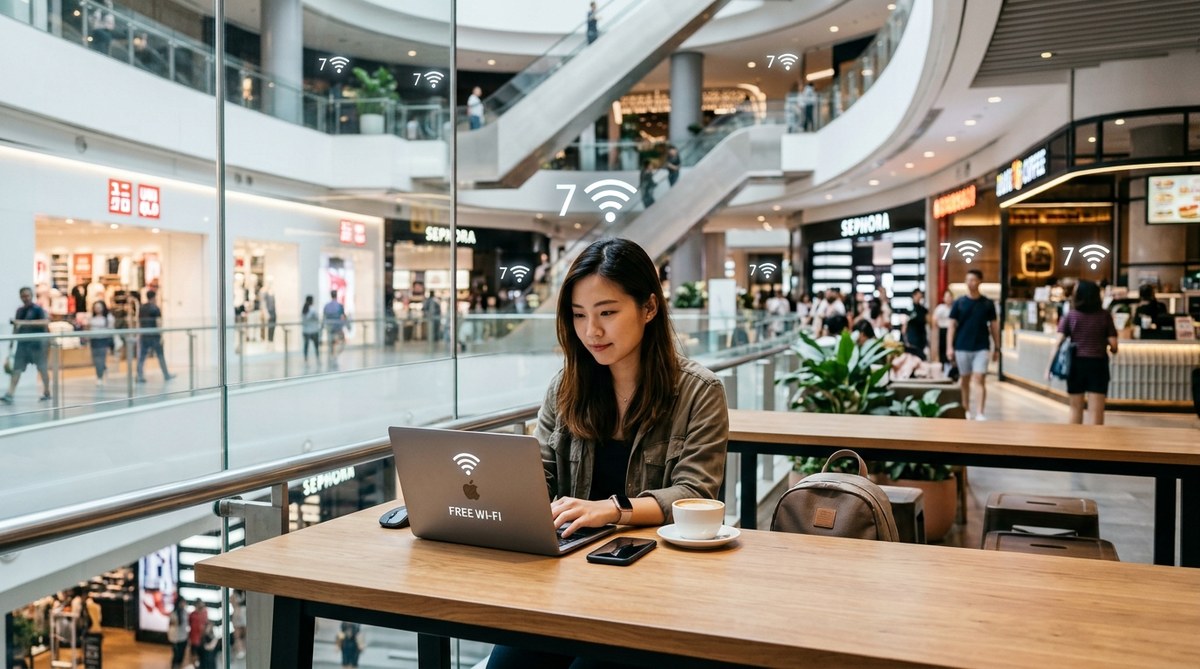

7 Shopping Malls in Singapore with the Best Free Wi-Fi for Digital Nomads
Singapore runs on fast internet, but finding a spot to work that doesn’t cost a daily coffee can be tricky. You need a solid connection, a comfortable seat, and enough power outlets to keep your devices alive. The good news is that many shopping centers across the island now offer free, reliable Wi-Fi for visitors. This guide breaks down the best shopping malls with free wifi Singapore has to offer, so you can set up your mobile office without spending a cent on a coworking pass.
Singapore’s top malls now provide free, fast Wi-Fi for shoppers and remote workers alike. This guide covers the best connected malls, how to log in, where to find seating with power outlets, and which locations offer the quietest corners for focused work. You’ll also learn how to spot data limits and avoid common connection pitfalls.
Which Malls Offer the Best Free Wi-Fi?
Not every mall in Singapore treats its Wi-Fi equally. Some offer speeds that rival a decent home connection, while others throttle bandwidth after a few minutes. Based on real-world testing and visitor reports, these malls stand out for their internet quality, coverage, and overall remote work friendliness.
VivoCity sits at the top of the list. Its free Wi-Fi covers most common areas, including the sprawling rooftop garden and the open seating zones near the food court. The connection holds steady even during peak weekend crowds.
Plaza Singapura offers a surprisingly strong signal on its upper floors. The seating areas outside the cinema and near the library corner on level 5 are popular with students and freelancers. You can usually find a power point if you arrive before noon.
Junction 8 and NEX in the northeast region both provide complimentary networks that require a simple one-time registration. These malls tend to be less crowded on weekdays, making them ideal for a full day of work.
Marina Bay Sands has a premium feel, and its Wi-Fi matches that reputation. The network is fast and stable, though you will need to log in through a portal every two hours. The best spots are the armchairs near the main entrance on the basement level.
Bugis+ and Bugis Junction share a connected network, so you can roam between both buildings without losing your session. The food court on level 3 of Bugis+ has plenty of tables and surprisingly good signal strength.
Ion Orchard offers a robust network, but the coverage can be patchy in the basement food hall. Stick to the upper floors near the public seating areas for the best performance.
How to Connect and Stay Online
Connecting to free mall Wi-Fi in Singapore is usually straightforward, but there are a few steps you should follow to avoid getting kicked off mid-call.
- Turn on Wi-Fi and select the mall network. Most malls use a name like “MallName Wi-Fi” or “FreeWiFi@MallName.” Look for the official network and avoid lookalike names.
- Open your browser. You will be redirected to a login portal. Accept the terms of service and enter your mobile number or email address. Some malls send a one-time passcode via SMS.
- Reconnect after the session ends. Many free networks cut you off after two hours. Simply log in again through the portal. Some malls allow unlimited reconnections.
- Use a VPN for sensitive work. Public Wi-Fi is convenient, but it is not encrypted. A VPN adds a layer of protection for your data.
Where to Sit for Maximum Productivity
Having a fast connection is only half the battle. You also need a good seat. Here are the best types of spots to look for inside these malls.
- Food court tables during off-peak hours. Between 2 PM and 5 PM, most food courts are quiet. Grab a table near a wall outlet and work until dinner rush starts.
- Open atrium seating. Many malls install benches or lounge chairs near escalators or elevators. These spots often have power outlets built into the furniture.
- Library corners and reading nooks. Some malls, like Plaza Singapura and the new wing of NEX, have dedicated quiet zones with tables and lamps.
- Cafes with free refill water stations. If you buy one drink, you can usually sit for hours. Look for cafes near the edges of the food court where the Wi-Fi signal is strongest.
Speed and Data Limits: What to Expect
Not all free Wi-Fi is created equal. Here is a comparison of what you can expect at different types of malls.
| Mall Type | Typical Download Speed | Data Cap | Session Length | Best For |
|---|---|---|---|---|
| Premium malls (Marina Bay Sands, Ion Orchard) | 20-50 Mbps | 1-2 GB per session | 2 hours | Video calls, large file uploads |
| Mid-range malls (VivoCity, Plaza Singapura) | 10-25 Mbps | 500 MB per session | 1-2 hours | Browsing, email, messaging |
| Neighborhood malls (Junction 8, NEX) | 5-15 Mbps | 300 MB per session | 1 hour | Light browsing, social media |
| Budget malls | 2-5 Mbps | 100 MB per session | 30 minutes | Checking maps, reading articles |
“I spent three months working out of Singapore malls. The trick is to find a mall with a loyalty app that gives you extra data for checking in. VivoCity’s app adds 500 MB every time you scan your receipt.” — Remote worker based in Singapore since 2023
A Few Practical Tips for a Smooth Session
Free mall Wi-Fi is a gift, but it comes with a few quirks. Keep these points in mind to avoid frustration.
- Download large files before you arrive. If you need to upload a video or download a software update, do it at home or at a library. Mall networks often throttle large transfers.
- Keep your devices charged. Power outlets are not guaranteed at every seat. Carry a portable charger for your phone and laptop.
- Avoid peak meal times. Food courts are loud and crowded between 12 PM and 2 PM and again between 6 PM and 8 PM. Plan your work sessions around these hours.
- Use a browser-based email client. Some mall networks block certain email ports. Webmail interfaces like Gmail or Outlook.com work reliably.
- Check the mall’s website for network status. A few malls post updates if their Wi-Fi is down for maintenance.
Making the Most of Mall Amenities
Working from a mall is not just about the internet. These spaces also offer food, restrooms, and places to stretch your legs. If you need a break from your screen, take a walk through the retail levels. You might find a new gadget or a snack that boosts your mood.
For a deeper look at how to get around the busiest shopping district, read our guide on how to navigate Orchard Road’s shopping malls like a local. If you are more interested in the food options, check out 10 shopping malls in Singapore with the best food courts and hawker centers.
Your Go-To Mall Work Spots for 2026
The landscape of shopping malls with free wifi Singapore keeps improving. More malls are upgrading their networks to attract digital nomads and remote workers. The key is to know which malls offer the best combination of speed, seating, and session length. Start with VivoCity for a reliable all-day connection. Try Plaza Singapura on a Tuesday afternoon for a quiet change of scenery. And if you need blazing fast speeds for a video call, head to Marina Bay Sands.
Next time you need a change from your usual desk, grab your laptop and head to one of these malls. You will save money on coworking fees, enjoy air conditioning, and have hundreds of food options within walking distance. That is a pretty good deal for a workday.