
Smart Home Gadgets You Can Buy at Singapore Mall Tech Stores Today
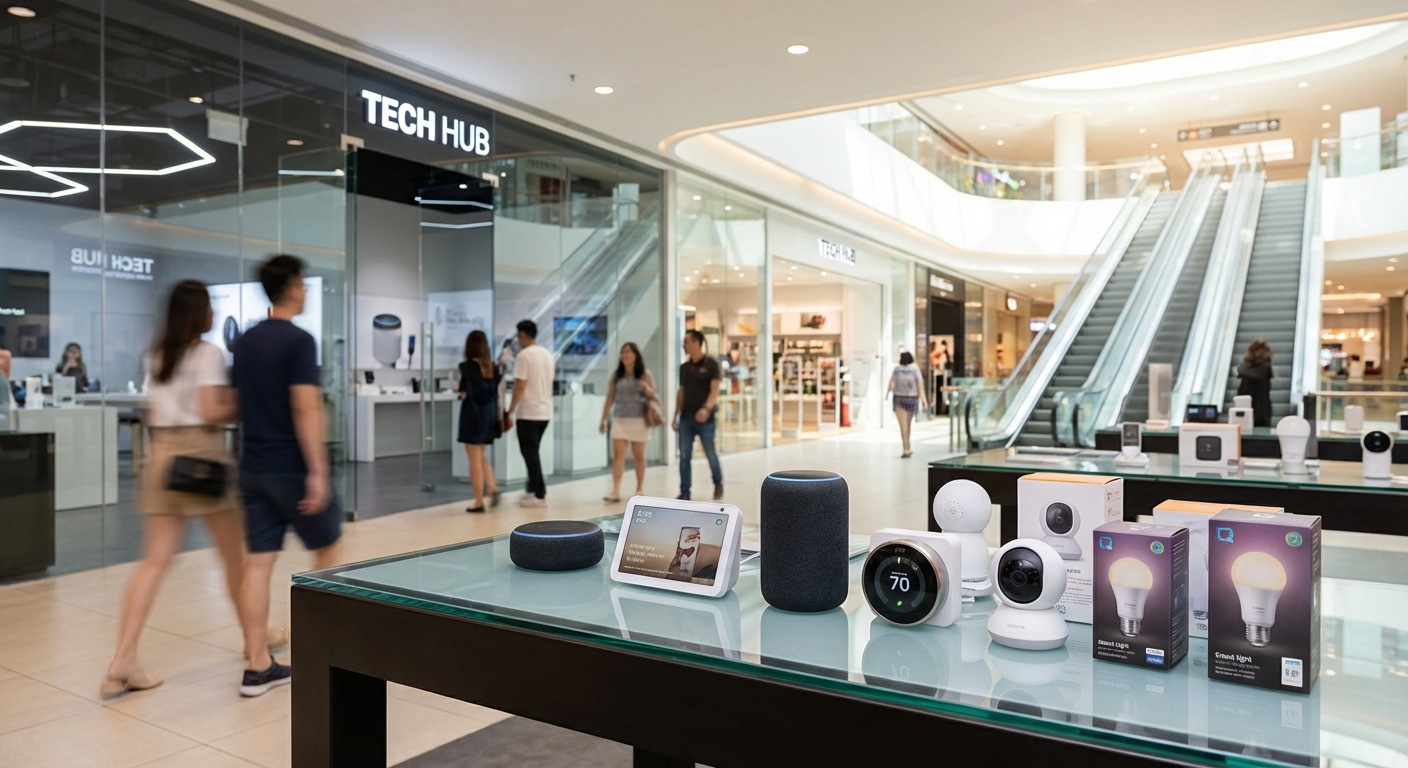
Shopping for smart home devices online sounds convenient until you realize you can’t touch, test, or compare products side by side. Walking into a physical tech store lets you see how a smart speaker actually sounds, check if a robot vacuum fits your apartment layout, and ask staff about compatibility with your existing setup.
Singapore’s shopping malls house some of the best tech retailers in the region, stocking everything from budget smart plugs to premium home automation systems. You’ll find dedicated demo areas, knowledgeable staff, and often better warranty support than buying from overseas sellers.
Singapore mall tech stores offer hands-on testing of smart home gadgets before purchase. Major retailers like Challenger, Courts, and Harvey Norman stock brands including Google, Amazon, Philips Hue, and TP-Link. Visit Orchard Road, Funan, or Sim Lim Square for the widest selection. Most stores provide installation support, extended warranties, and same-day pickup. Prices match or beat online retailers during sales periods, with staff expertise included.
Where to find smart home gadgets in Singapore malls
Most major electronics retailers dedicate entire sections to smart home products now. You’ll spot them near the computing or home appliances areas.
Challenger operates stores in nearly every major mall. Their smart home sections display working models of Google Nest devices, Amazon Echo speakers, and Philips Hue lighting systems. Staff can demonstrate voice commands and show you how different ecosystems work together.
Courts focuses more on appliances but stocks smart air purifiers, robot vacuums, and connected kitchen gadgets. Their locations in Tampines, Jurong, and Megastore at Jem offer competitive pricing on brands like Xiaomi and Dyson.
Harvey Norman stores in Millenia Walk, Parkway Parade, and other locations carry premium smart home brands. Expect to find Sonos speakers, Aqara sensors, and high-end security cameras here.
Best Denki at Ngee Ann City and Plaza Singapura stocks Japanese and Korean smart home brands alongside Western ones. Their staff often speak multiple languages, helpful for expats navigating product manuals.
Gain City showrooms, while fewer in number, offer excellent after-sales service for larger smart home installations. Visit their Sungei Kadut or Ang Mo Kio locations for air conditioning, lighting, and whole-home automation consultations.
Top smart home gadget categories available in stores
Smart lighting systems
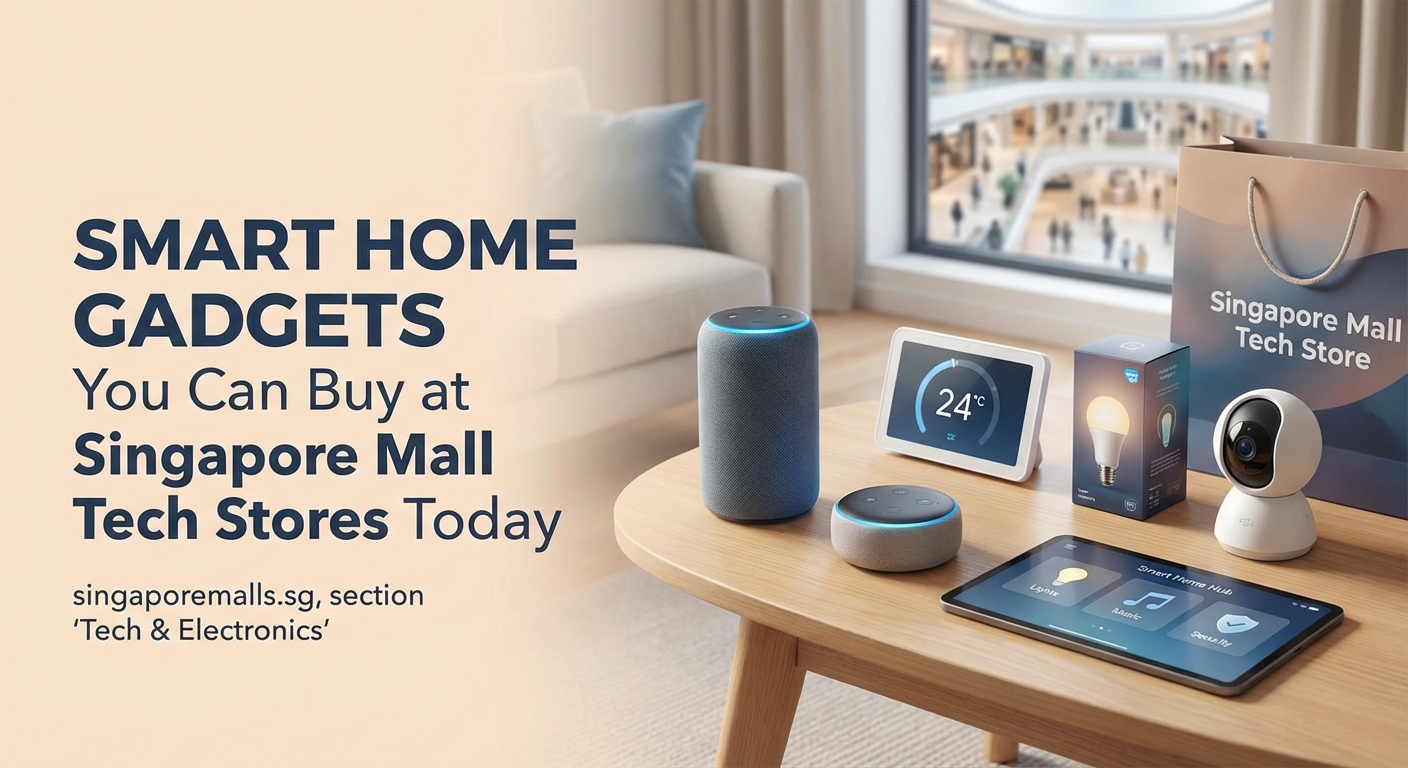
Philips Hue remains the most popular choice, available at almost every tech retailer. Starter kits include bulbs and a bridge hub for around $100 to $150. Individual bulbs cost $30 to $80 depending on features.
TP-Link Tapo and Yeelight offer budget alternatives at $15 to $40 per bulb. These work without hubs, connecting directly to your WiFi network. Perfect for testing smart lighting before committing to a full system.
Nanoleaf panels create decorative wall lighting. Find them at Challenger and Best Denki for $200 to $400 per kit. Staff can show you the app interface and color-changing effects in person.
Voice assistants and smart speakers
Google Nest Audio and Nest Mini speakers sit on display at most retailers. Prices range from $59 for the Mini to $129 for the Audio. Staff will demonstrate Google Assistant commands and music streaming quality.
Amazon Echo devices appear less frequently but Challenger stocks the Echo Dot ($79) and Echo Show ($199). The Show’s screen makes it useful for video calls and recipe displays in kitchens.
Apple HomePod Mini ($149) sells through authorized Apple resellers in malls like those found in Orchard Road. Siri integration works best if you already use iPhone and iPad devices.
Security cameras and doorbells
TP-Link Tapo cameras start at $40 for basic indoor models. Courts and Challenger stock multiple versions, including outdoor weatherproof units and pan-tilt cameras with motion tracking.
Arlo and Ring products sit in the premium category at $200 to $500. Harvey Norman typically carries these brands with better display setups showing actual footage quality.
Eufy cameras offer middle-ground pricing at $80 to $200. Local storage options appeal to privacy-conscious buyers who don’t want cloud subscriptions.
Robot vacuums and smart cleaning
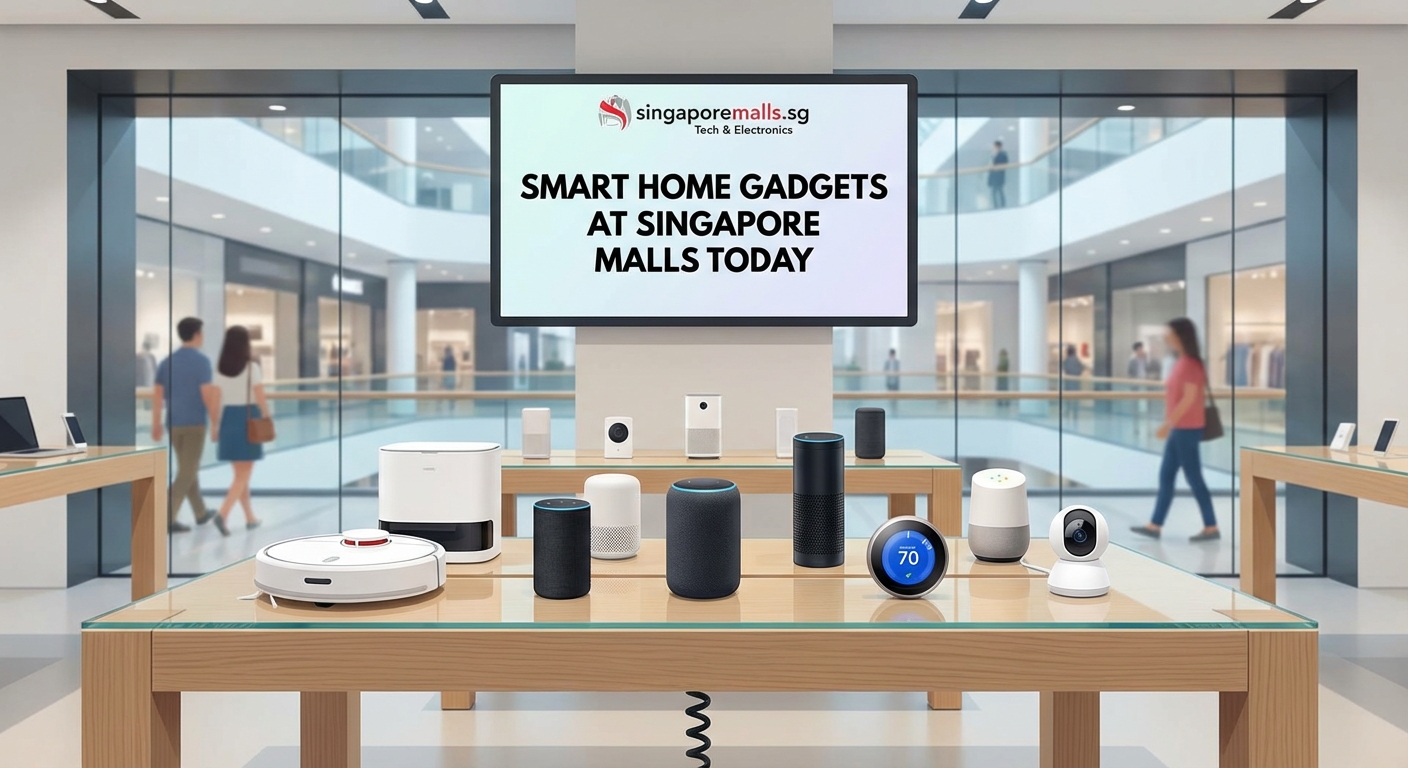
Roborock, Ecovacs, and Xiaomi robot vacuums fill showroom floors at Courts and Gain City. Models range from $300 basic sweepers to $1,500 mopping hybrids with self-emptying docks.
Staff can explain mapping technology, suction power ratings, and maintenance requirements. Some stores let you watch demo units navigate obstacle courses.
Dyson’s smart purifiers and fans appear at premium retailers. Expect to pay $600 to $1,000 for models with app control and air quality monitoring.
Smart plugs and power strips
The most affordable entry point into home automation. TP-Link, Meross, and Tuya-compatible plugs cost $15 to $30 each. Control any appliance from your phone or set schedules for lights, fans, and coffee makers.
Power strips with individual socket control run $40 to $80. Useful for entertainment centers where you want to turn off specific devices remotely.
Energy monitoring plugs ($30 to $50) track electricity usage. See which appliances consume the most power and optimize your bills.
How to shop for smart home gadgets at mall tech stores
Follow this process to make informed purchases without buyer’s remorse.
-
Research compatibility before visiting. Check if products work with your existing voice assistant (Google, Alexa, or Siri). Most packaging clearly labels supported platforms.
-
Write down your home WiFi specifications. Some devices only work on 2.4GHz networks, not 5GHz. Staff can confirm compatibility if you know your router model.
-
Ask about installation support. Many retailers offer paid setup services for $50 to $150. Worth considering for complex systems like multi-room audio or security cameras.
-
Compare warranty terms between stores. Extended warranties cost $20 to $100 extra but cover accidental damage and provide faster replacements.
-
Test demo units thoroughly. Play with apps, check response times, and listen to audio quality. Don’t rush this step.
-
Check online prices on your phone while in store. Most retailers price-match their own websites and sometimes competitors. Screenshot the lower price and ask at checkout.
-
Sign up for store memberships before purchasing. Challenger’s STAR membership, Courts’ VIP program, and others provide instant discounts of 5% to 10% on electronics.
Common mistakes when buying smart home devices
| Mistake | Why it matters | How to avoid it |
|---|---|---|
| Mixing incompatible ecosystems | Devices won’t communicate with each other | Stick to one platform (Google, Alexa, or HomeKit) for your first purchases |
| Ignoring WiFi requirements | Gadgets won’t connect to your home network | Verify 2.4GHz vs 5GHz compatibility before buying |
| Skipping hub requirements | Some systems need separate hubs to function | Read packaging carefully; ask staff about additional hardware needs |
| Buying cheapest options first | Poor experience may discourage further adoption | Start with one quality device rather than multiple budget ones |
| Forgetting about subscriptions | Cloud features often require monthly fees | Calculate total cost including subscriptions over 2-3 years |
| Not checking return policies | Stuck with incompatible or defective products | Keep receipts and test within the return window (usually 7-14 days) |
Best malls for smart home gadget shopping
Funan Mall dedicates two entire floors to tech retailers. Challenger’s flagship store here showcases the widest smart home selection in Singapore. Multiple competing retailers in the same building make price comparison easy.
Sim Lim Square remains the go-to for tech enthusiasts seeking variety. Smaller independent shops stock harder-to-find brands and often negotiate on price. Bring cash for better deals.
Shopping malls along Orchard Road house premium retailers. Visit Ngee Ann City for Best Denki or Takashimaya’s electronics floor for curated selections with excellent customer service.
Plaza Singapura concentrates several tech stores in one location. Best Denki, Challenger, and smaller specialty shops compete for customers, driving competitive pricing.
Vivocity and Tampines Mall serve suburban shoppers with Courts and Challenger outlets. Less crowded than city center locations, with free parking and easier access for families.
Jewel Changi Airport stocks travel-friendly smart home devices. Pick up compact WiFi plugs, portable speakers, or smart luggage tags before trips.
Getting the best deals on smart home technology
Tech retailers run major sales during specific periods. Mark these dates for maximum savings.
Great Singapore Sale (June to August) brings 20% to 40% discounts on most electronics. Combine with credit card promotions for additional savings.
11.11, 12.12, and similar online shopping festivals now extend to physical stores. Challenger and Courts match their online prices in-store during these events.
IT shows at Singapore Expo happen quarterly. Brands showcase new products with show-exclusive bundles and discounts. Entry costs $2 to $5 but savings easily exceed $100 on larger purchases.
Chinese New Year sales (January to February) clear inventory for new models. Previous-generation smart speakers and cameras drop to clearance prices.
Black Friday (November) gains traction in Singapore retail. Not as dramatic as US sales but still worth checking for 15% to 25% reductions.
“Buy your first smart home device during a sale, but don’t wait too long to expand your system. Older products may lose software support or become incompatible with newer versions. Build your setup within a 12-month window when possible.”
Questions to ask store staff before purchasing
Staff expertise varies widely between stores and individuals. These questions help you gauge their knowledge and get useful information.
“Which voice assistant works best with this device?” Tests if they understand ecosystem compatibility. Good staff will ask about your existing setup before recommending products.
“Does this need a hub or work with my WiFi directly?” Reveals additional costs and setup complexity. Some staff gloss over hub requirements to make sales.
“What’s your return policy if this doesn’t work with my home network?” Protects you from compatibility issues. Reputable stores offer 7 to 14-day returns for unopened or defective items.
“Do you offer installation services?” Large retailers provide this for $50 to $150. Smaller shops may recommend third-party installers.
“Are firmware updates automatic or manual?” Affects long-term usability. Devices requiring manual updates often get neglected and become security risks.
“What happens if the company stops supporting this product?” Smart home brands go out of business or discontinue products regularly. Good staff acknowledge this risk and suggest established brands.
Smart home starter bundles worth considering
Most retailers create bundled packages that cost less than buying items separately. Here are combinations that make sense for different needs.
Basic lighting control bundle ($150 to $200): Three smart bulbs, one smart plug, and a compatible voice assistant. Start with bedroom and living room lighting plus a fan or lamp on the plug.
Security starter package ($300 to $400): Two indoor cameras, one door/window sensor, and a smart doorbell. Covers entry points and main living areas.
Entertainment setup ($250 to $350): Smart TV streaming device, soundbar with voice control, and smart plug for existing TV. Upgrade your viewing experience with voice commands.
Climate control system ($400 to $600): Smart air conditioner controller, smart fan, and air quality monitor. Essential for Singapore’s weather, with potential electricity savings of 10% to 20%.
Whole-home foundation ($600 to $800): Voice assistant, five smart bulbs, three smart plugs, one camera, and one door sensor. Comprehensive starting point for serious home automation.
Setting up your first smart home devices
Most gadgets follow similar setup processes. Here’s what to expect when you get home from the mall.
Download the manufacturer’s app before unboxing. iOS and Android app stores list these under the brand name (Google Home, Amazon Alexa, TP-Link Tapo, etc.).
Charge devices if needed. Battery-powered cameras and sensors often ship partially charged. Wait for full charge before setup.
Position your WiFi router centrally if possible. Smart home devices work best within 10 to 15 meters of the router without thick walls blocking signal.
Follow in-app instructions step by step. Most apps use QR codes or button-press sequences to pair devices. Don’t skip firmware updates during initial setup.
Name devices clearly. “Living room lamp” works better than “Lamp 1” when giving voice commands. Use room names consistently across all devices.
Create routines after individual devices work properly. Start simple with “Good morning” turning on bedroom lights and “Goodnight” locking doors and turning off all lights.
Maintaining and expanding your smart home system
Your first purchases won’t be your last. Smart homes grow organically as you identify pain points and opportunities.
Update firmware monthly. Check manufacturer apps for available updates. Security patches and new features arrive regularly.
Replace batteries in sensors every 6 to 12 months. Most apps warn when battery levels drop below 20%. Keep spares on hand for door and motion sensors.
Clean camera lenses quarterly. Dust and fingerprints degrade image quality. Use microfiber cloths, not paper towels.
Add devices one at a time. Test each new addition for a week before buying more. This prevents overwhelming yourself with troubleshooting multiple products simultaneously.
Document your setup. Note which devices connect to which hubs or networks. Future you will appreciate this when moving homes or troubleshooting issues.
Consider timing expansions around mall promotions to maximize savings. Building a complete system over 6 to 12 months during various sales events saves hundreds of dollars.
Why buying from mall stores beats online shopping for smart home tech
Physical stores solve problems that online shopping can’t address for smart home products.
You see actual size and build quality. Product photos make devices look larger or smaller than reality. Holding a smart speaker shows you if it fits your shelf or nightstand.
Sound quality matters for speakers. Descriptions like “rich bass” mean nothing until you hear it. Demo units let you test at various volumes.
Staff explain compatibility issues. Online reviews can’t answer questions specific to your home setup. Good retail staff troubleshoot potential problems before you buy.
Immediate availability beats shipping delays. Take products home the same day instead of waiting 3 to 7 days for delivery.
Returns happen faster and easier. Walk back into the store with a defective product rather than arranging courier pickups and waiting for refund processing.
Installation support comes included or available. Online purchases leave you alone with instruction manuals. Stores offer setup services or can recommend installers.
Warranty claims process through familiar locations. Dealing with overseas sellers or third-party platforms complicates repairs and replacements.
Testing smart home devices in store like a pro
Maximize your mall visit by thoroughly evaluating products before purchase.
- Bring your phone with the relevant apps already downloaded
- Test voice recognition in noisy environments (stores simulate real home conditions better than YouTube reviews)
- Check app interfaces for intuitiveness (complicated apps mean frustrated daily use)
- Ask staff to show you the worst-case scenario (what happens when WiFi drops or power fails)
- Compare similar products side by side (price differences often reflect minor feature variations)
- Request to see the physical packaging and included accessories (some products need additional purchases to function fully)
- Verify power adapter compatibility (some imported devices use non-Singapore plugs)
Building a smart home on different budgets
Smart home automation works at any price point. Start where your budget allows.
Under $200: Two smart plugs, two smart bulbs, and one voice assistant. Control existing lamps and fans plus add voice-controlled lighting in key rooms.
$200 to $500: Previous items plus one security camera, one robot vacuum, and three more smart bulbs. Cover basic security and automate cleaning.
$500 to $1,000: Previous items plus smart door lock, video doorbell, and smart air conditioner controller. Enhance security and climate control significantly.
$1,000 to $2,000: Previous items plus multi-room audio system, smart blinds, and comprehensive sensor network. Approach whole-home automation.
Above $2,000: Professional installation of integrated systems controlling lighting, climate, security, and entertainment throughout your home. Consider hiring smart home consultants available through premium retailers.
Most households find the $500 to $1,000 range provides the best balance of functionality and value. Build gradually over 6 to 12 months rather than purchasing everything at once.
Bringing smart home technology into your daily routine
Walking through a mall tech store transforms abstract smart home concepts into tangible products you can see, touch, and test. The hands-on experience helps you make confident decisions about which devices actually improve your life rather than collecting dust.
Start with one category that addresses a real frustration in your home. Tired of getting up to turn off lights? Smart bulbs solve that. Worried about package theft? A video doorbell provides peace of mind. Hate vacuuming? Robot vacuums handle the tedious work.
Visit stores during weekday afternoons when crowds thin out and staff have more time for detailed questions. Many malls offer comfortable environments for browsing without pressure. Take your time, compare options, and build a smart home that actually makes sense for how you live.